
Miracles
By JEFFERSON STARSHIP | 9:38am
By JEFFERSON STARSHIP | 9:38am

Listen to WBDK on Alexa
STEP #1) Enable our Skill
(OPTION 1) Enable with your Voice
Say "Alexa, ENABLE WBDK SKILL"
(OPTION 2) Enable via the Alexa App manually
Go to the menu, and select Skills
When you find a skill you want to use (ex: WBDK), select it to open the Aleax Skill details.
Select the Enable Skill option
(OPTION 3) Enable through the Amazon website: https://www.amazon.com/skills.
-----------------
WE NOW TAKE REQUESTS ON ALEXA
Example:
"Alexa, TELL WBDK TO REQUEST the song Honey Bee by Blake Shelton"
Having touble getting this Alexa Skill to work? Troubleshoot here.
By JEFFERSON STARSHIP
9:38am
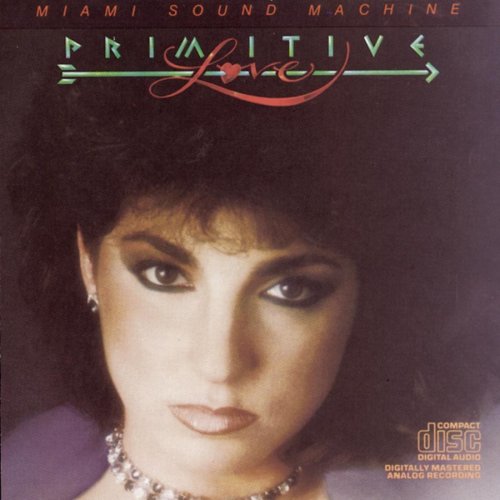
By Miami Sound Machine
9:34am

You maybe be prompted to allow the browser to use your microphone in order to record audio. If so, select the option to allow microphone access.
If not prompted, click the icon to the left of the URL in the address bar and give permission to use the microphone.


